
The problem
The web forgets.
Feeds truncate to a teaser and a link. Blogs die and take their archives with them. Read-later services shut down and take the library with them, and most readers quietly delete old articles to save space, on a schedule you never agreed to. The article you know you read last year is gone.
Cove starts from a different premise: what you choose to subscribe to is worth keeping.
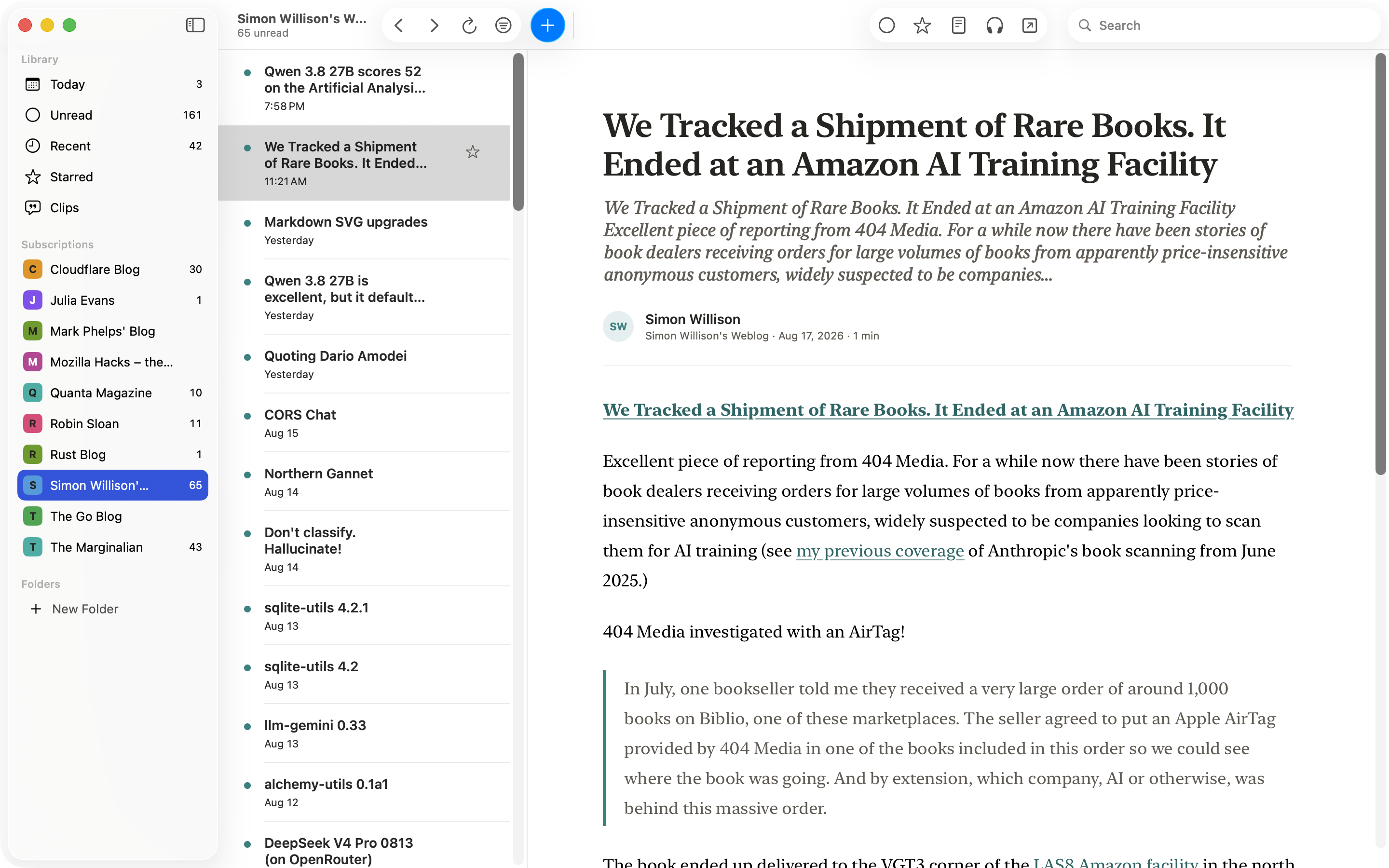
Full articles
The article, not the teaser.
When a feed only sends a preview, Cove quietly fetches the rest, so the whole article is waiting in the reader instead of behind a browser tab full of cookie banners and popups.
Two ways to read
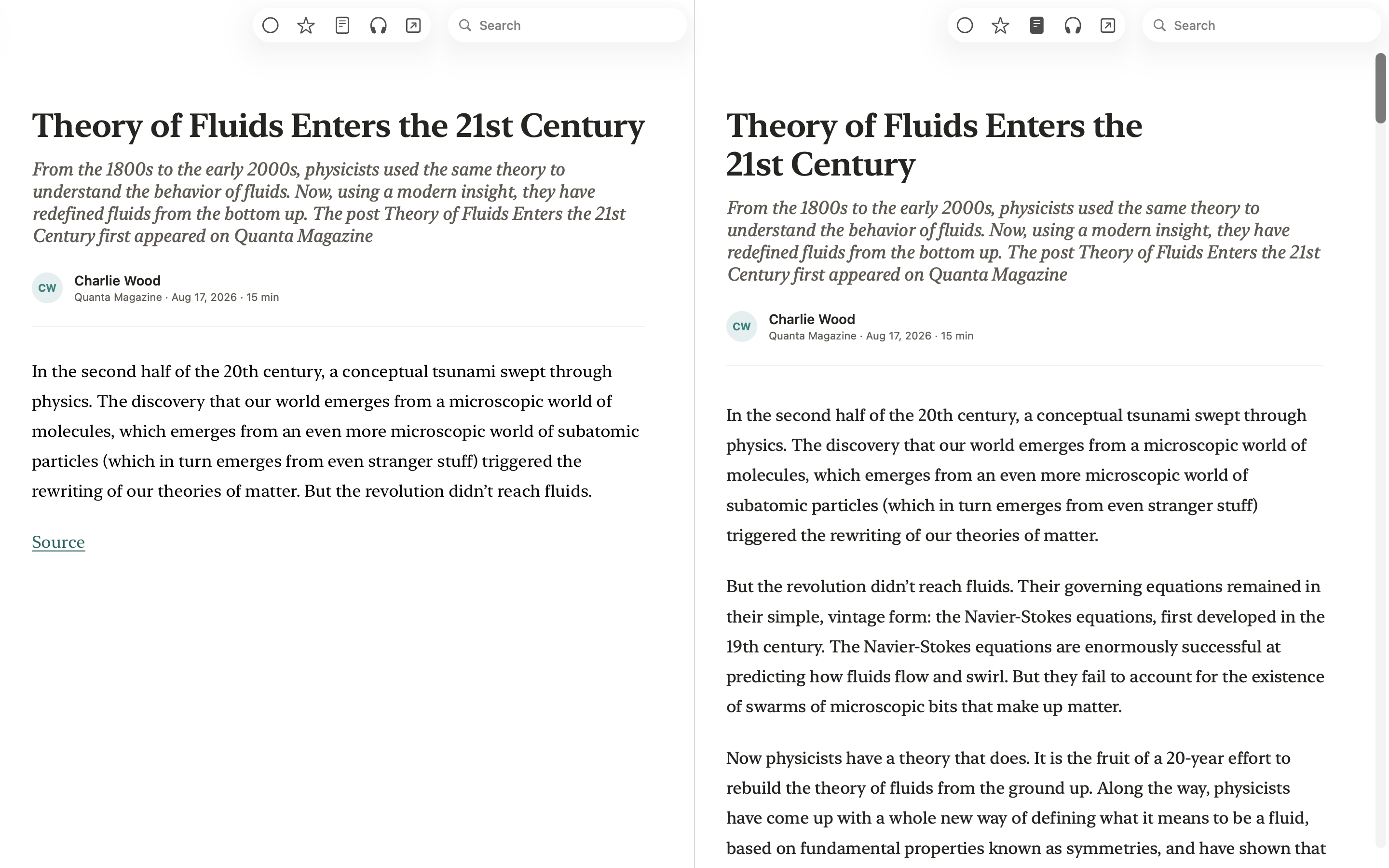
When Cove has both versions of an article, one toggle flips between the publisher’s layout and a clean reading view. Instant, no reload.
Honest when it can’t
Some pages won’t cooperate: paywalls, broken sites, slow servers. After a few seconds, Cove hands you the preview and a link to the original, rather than dressing the teaser up as the whole article.
Code reads like code
If your subscriptions lean technical, your articles arrive full of code, and Cove renders it properly: formatted, highlighted, matched to light and dark. Headings, lists, and tables survive too.
Your archive
Read it once. Keep it.
What Cove saves stays saved: never auto-deleted, never purged to free up space, yours until you delete it.
Unsubscribe without regret
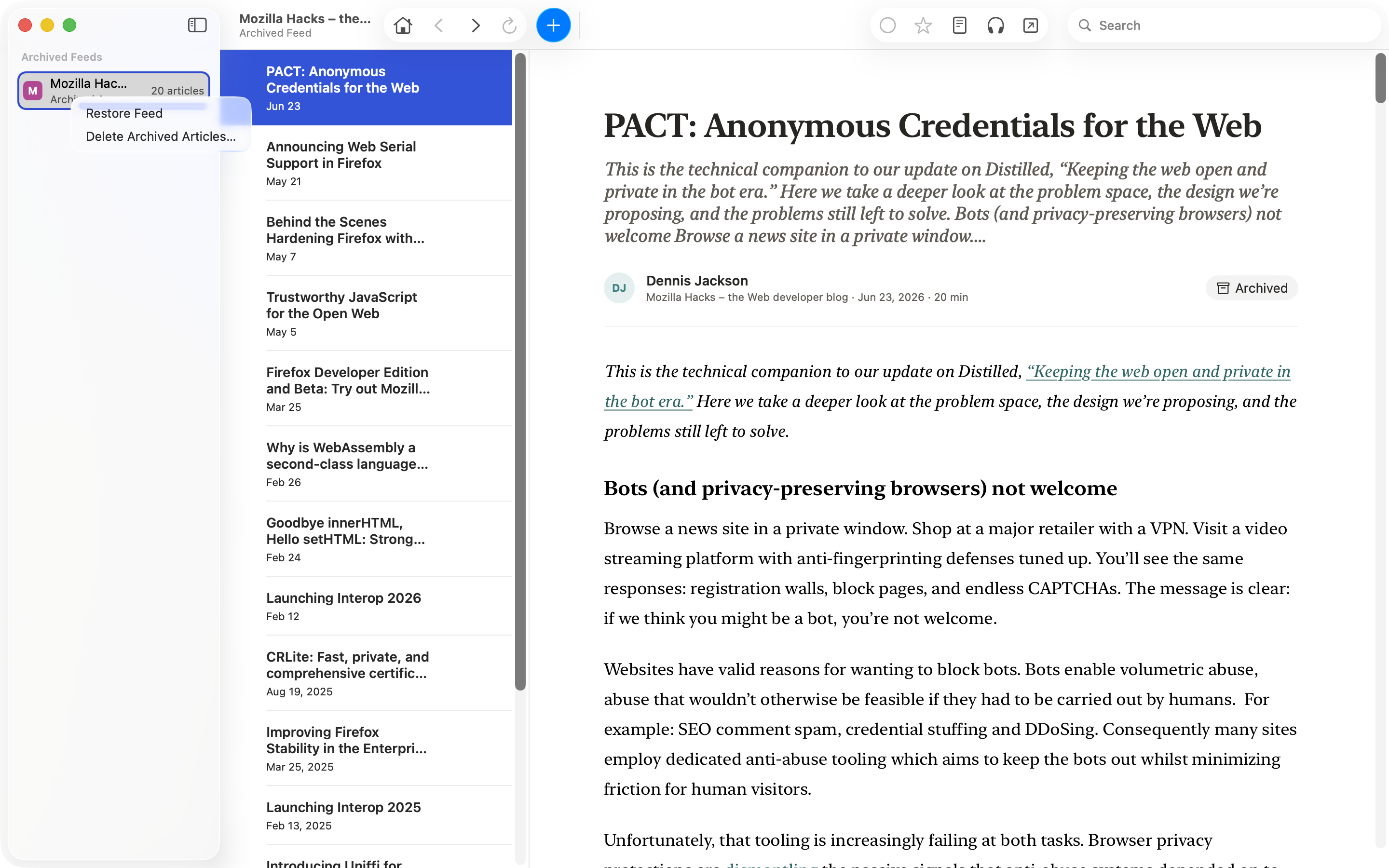
Removing a feed offers to keep its articles. They move to your Archive, one click from coming back.
Airplane mode is a reading mode
Your feeds, your articles, and your place in them live on your Mac. On a long flight, or after a site goes dark, your reading is still there.
Find it again in seconds
Search your whole library by title, author, or feed name. The query never leaves your Mac.
No lock-in, in either direction
One click brings your subscriptions over from any other reader, folders and all. One click takes them back out if you ever leave.
Clips
Keep the sentence, not just the article.
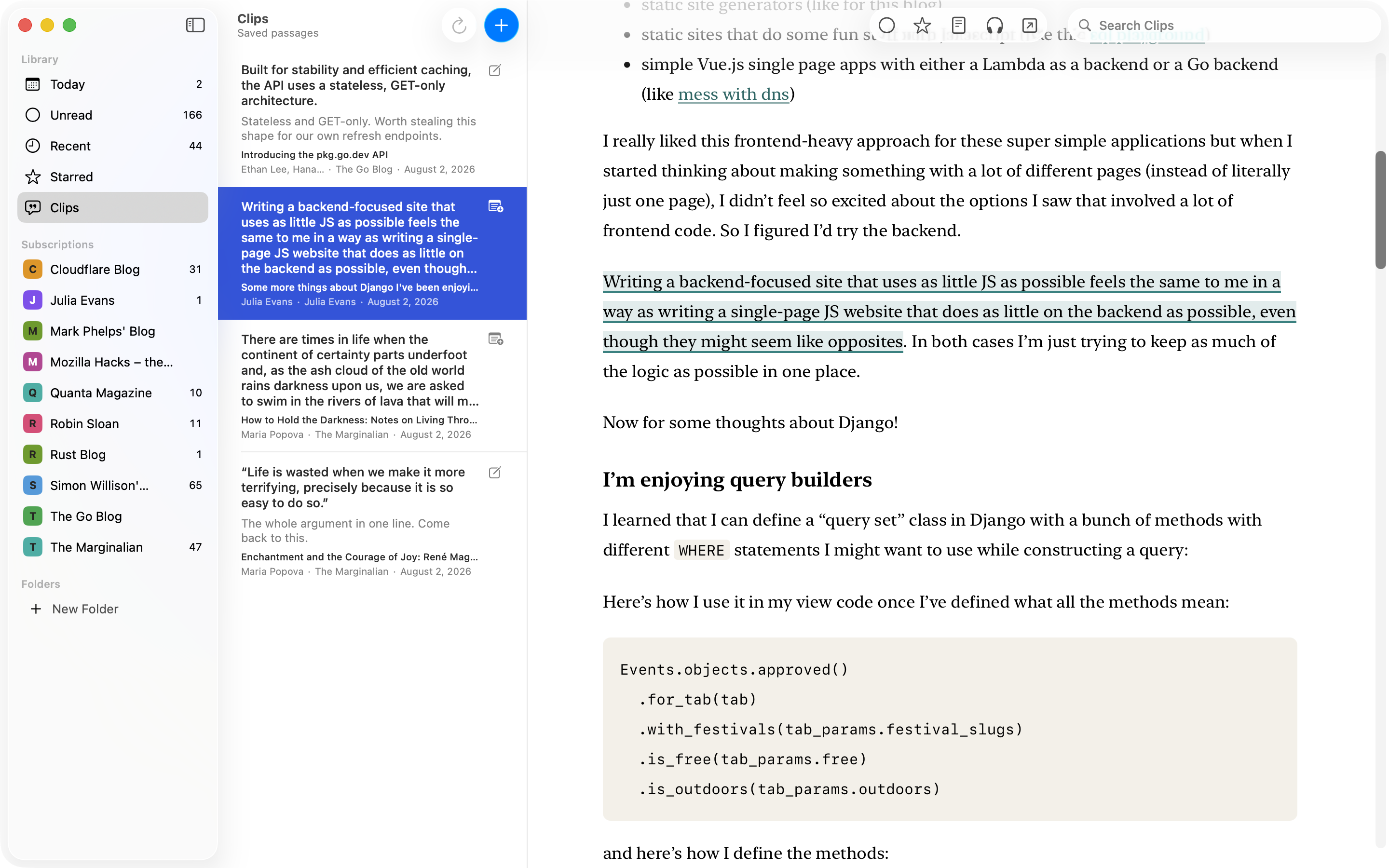
The archive keeps the article. Sometimes what you want to keep is one paragraph inside it. Select the passage, press H or use the right-click menu, and it joins a library of saved passages, each one a click from the spot it came from.
Still there when you come back
Reopen the article and your saved passages are highlighted where you left them, in either reading view. Saving one changes nothing else about the article: not read, not starred, not set aside.
Find it by what it says
Clips searches inside the passages and notes you saved, along with the title, author, and feed they came from. Each clip takes one plain note, and when you need the words elsewhere, copy the quotation on its own or with its citation ready to paste.
Kept, even when the page changes
An article with a clip in it is never removed automatically. And when a passage can no longer be found in it, Cove keeps your words and your note and tells you the location is unavailable, instead of quietly pointing at text that merely looks similar.
Set aside
Unread that ebbs.
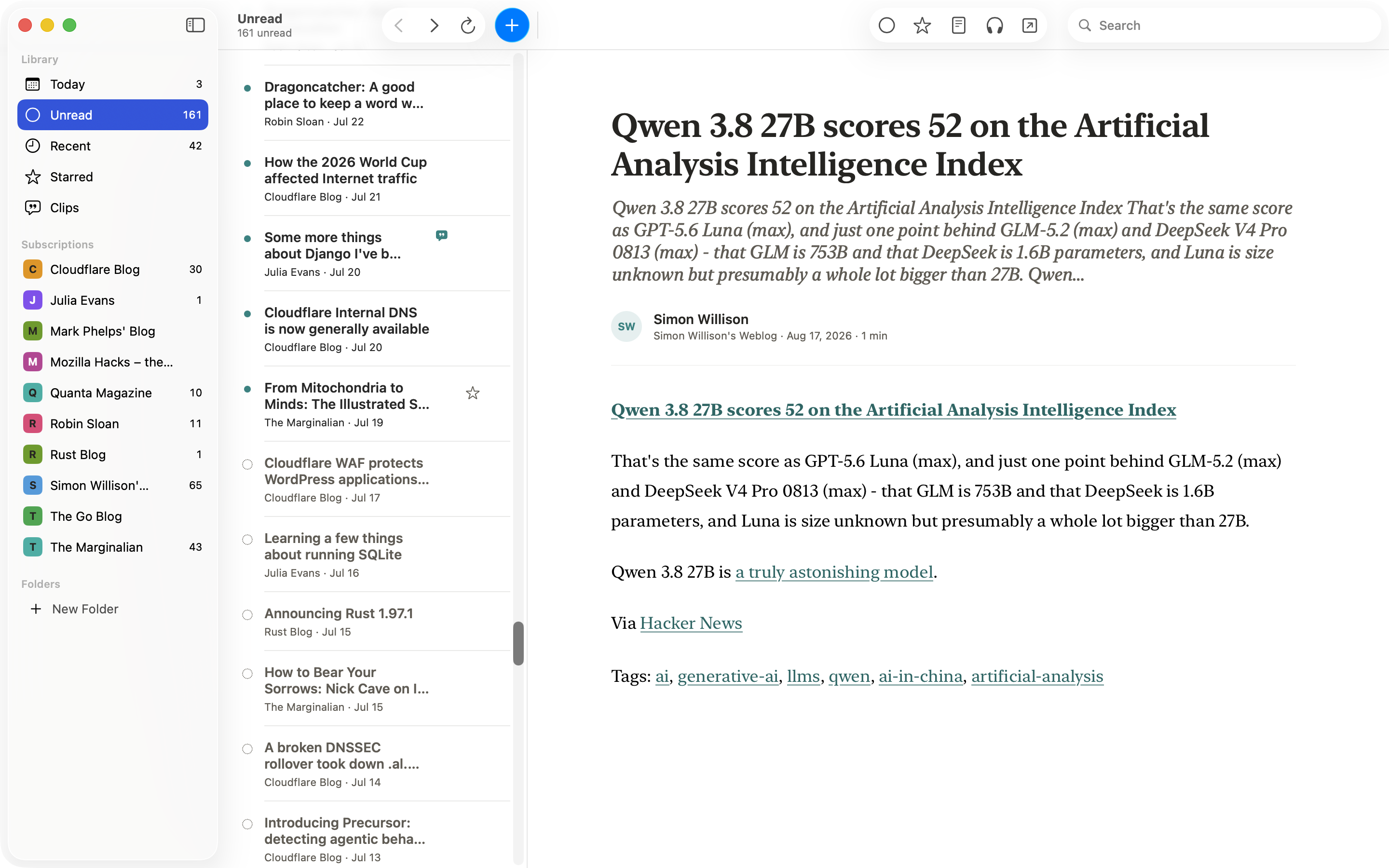
Your RSS reader isn’t a to-do list. Switch on setting older unread aside, pick how old is old, and those articles stop counting against you. They don’t go anywhere: they stay unread, in their feeds, in their place in the list, each marked with a dotted ring so you can see why the count moved on without them. Nothing is marked read. Nothing is deleted. Right-click one and it’s back in Unread.
Listen
Read to you, by your Mac.
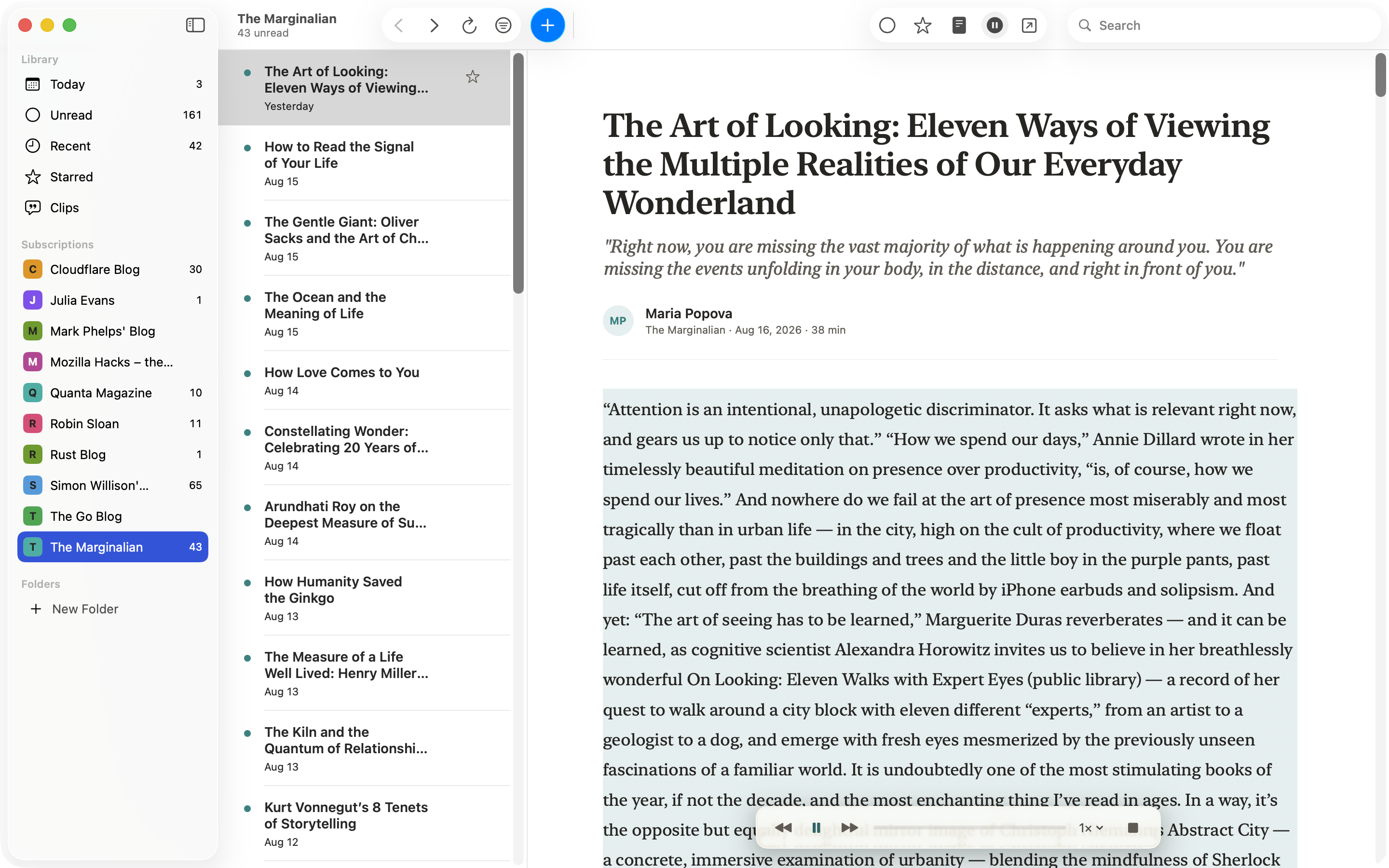
Cove reads articles aloud with voices that run on your Mac. Finish the long read while you cook, tidy up, or rest your eyes, without handing your reading to a text-to-speech service.
-
Works the moment you install
One click and Cove starts reading with the voices already on your Mac: nothing to download, nothing to set up. When you want more, optional voices download once, with size and license shown up front, then run entirely offline. Pick a speaker; Cove remembers.
-
Follow along, or drift
The paragraph being read is highlighted as the voice moves, so you can drift between listening and reading. Pause and skip from the player, your media keys, or your headphones.
Native
Feels like it shipped with your Mac.
Cove is a real Mac app, not a website wearing a Mac costume. It dresses like the system, speaks fluent keyboard, and stays quiet the way good Mac software does.
-
Dressed by macOS
On the latest macOS, Cove wears Liquid Glass natively; earlier Macs keep the classic toolbar. Either way, it follows your Mac from day into night, until you tell it not to.
-
Fluent in keyboard
J and K walk the article list, Space pages through a piece and on to the next unread. Real menus, real shortcuts, right-click where you expect it.
-
Calm by design
No streaks, no badges, no guilt mechanics. Unread counts hide at zero, and you can shrink them to a quiet dot or switch them off entirely. A cleared list says “All caught up,” and nothing interrupts you mid-article.
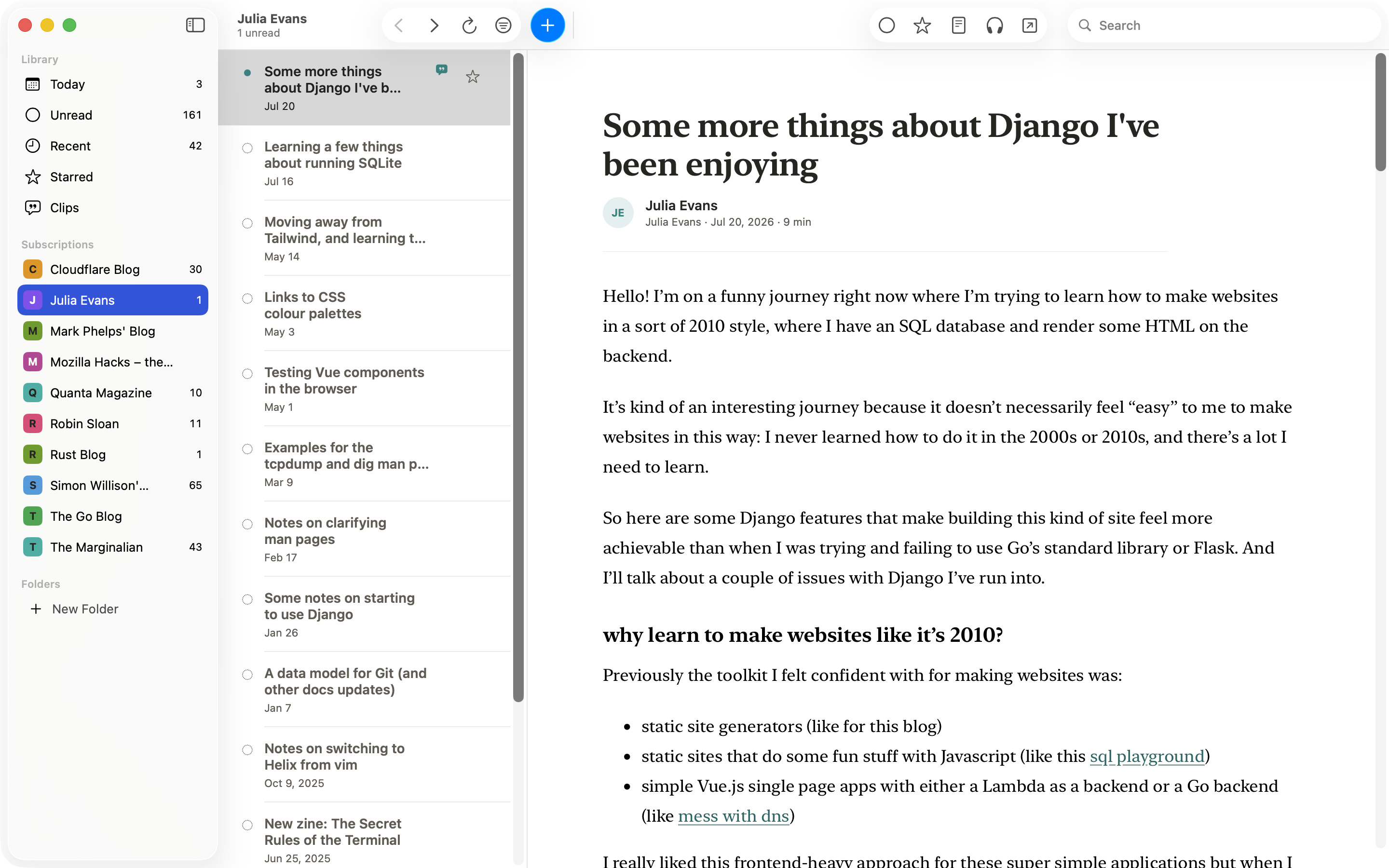
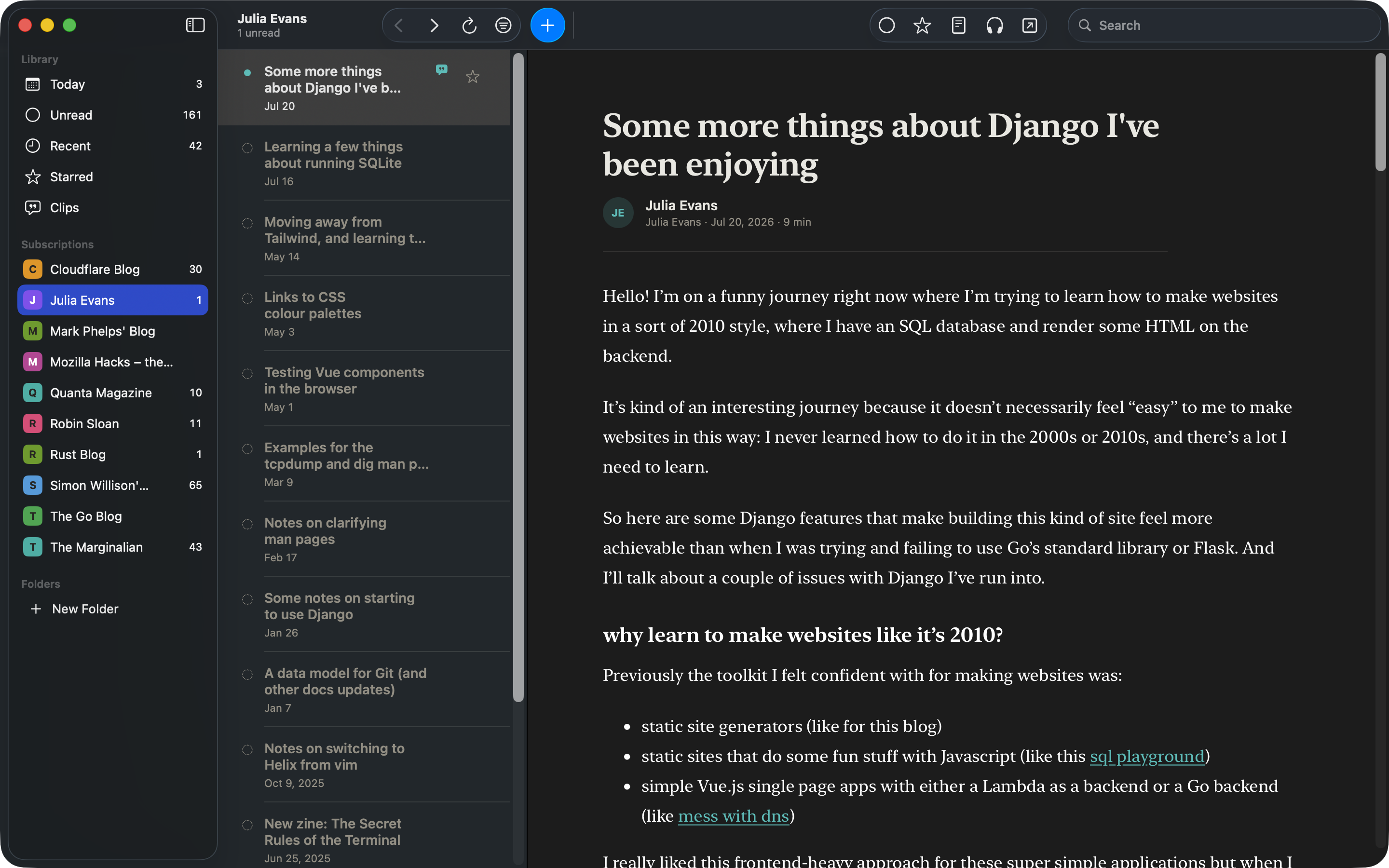
Prefer to read dark while your Mac stays light? One setting holds Cove where you put it.
An honest comparison
Where Cove fits, and where it doesn’t.
Cove is a Mac-only reading archive. There is no iOS app and no sync. If you need mobile, cross-device access, or team workflows, one of these excellent readers is a better fit today.
NetNewsWire
The classic feed reader across Apple devices: free and open source, with mature Mac, iPhone, and iPad apps and sync options. It says plainly that it is not an archiving system; Cove’s contract is the opposite, with article text kept until you delete it.
ReadKit
The closest neighbor: native on Mac, iPhone, and iPad, with built-in RSS, offline reading, and lifetime pricing. Cove’s distinction is automatic capture, with a permanent local archive at the center of the product.
Feedly
A mature cloud service built for teams, sharing, and cross-device reading. Cove requires no vendor account and keeps extracted text on your Mac.
Before 1.0
One thing worth naming is coming before 1.0. It doesn’t ship in the current beta, and nothing else on this page depends on it.
On-device AI. Because it’s 2026.
Narration already runs entirely on your Mac; what follows keeps the same rule. Optional on-device AI for your reading library, available on compatible Macs. Your feeds and archive will remain local by default.
Want the finished release?
Join the low-volume list and we’ll email you when Cove leaves beta.
Unsubscribe anytime.
Fair questions
Asked by people who read the fine print.
Is Cove really Mac-only?
Yes. Mac only, with no iPhone or iPad app. One platform, done properly. If you mostly read on your phone, Cove isn’t for you yet; the comparison above names good options.
What about sync?
There’s nothing to sync to: Cove has no cloud service and no second platform. Your library lives on one Mac. If you read across several Macs, Cove isn’t a fit today. We’d rather say that plainly than promise sync we haven’t built.
What does “beta” mean here?
The heart of it is complete and stable for daily reading: feeds, full articles, your permanent library, offline reading, search, setting older unread aside, saving passages to Clips, and reading aloud all work today. Beta means the 1.0 feature set is still landing (see Before 1.0), some edges are still rough, and details may change between updates. The download is notarized by Apple, and updates arrive inside the app.
Does Cove know what I read?
No. There’s no account, no cloud service, and no reading-profile server. Articles are fetched and extracted on your Mac, and what you read stays there. Your Mac still talks to the sites you subscribe to and the hosts that serve their images (that’s how RSS works), but there is no Cove service in the middle learning what you read. Whatever a feed sends is scrubbed before it’s shown: scripts never run, links open in your browser instead of hijacking the reader, and images are fetched without cookies. There’s no analytics inside Cove either, and optional crash reports are anonymized before they leave your Mac, with one switch to turn them off.
Where does my data live, and what happens if I stop using Cove?
In ordinary files on your Mac: your feeds, your saved articles, your read state. None of it lives on a server. If you ever leave, one click exports your subscriptions and folders to any other reader, and your saved articles stay right where they are.
Won’t keeping everything fill up my disk?
No. Text is tiny. Cove compresses every saved article; in our own library everything Cove keeps for one article, the compressed page and the extracted text together, averages about 9 KB on disk, so a hundred new articles a week adds up to roughly 50 MB a year. A decade of heavy reading still costs less space than two minutes of iPhone video. Images are separate: they live in a cache that’s capped at 1 GB, tidies itself, and can be emptied with one click in Settings, without touching a single saved article.
What will 1.0 cost?
Not decided yet. Cove is free during beta, and we won’t pretend the 1.0 price is settled when it isn’t. Join the release list above and you’ll hear the terms when they’re real.